$ cat posts/campus-wifi-auto-login.md
I stopped typing my Wi-Fi password
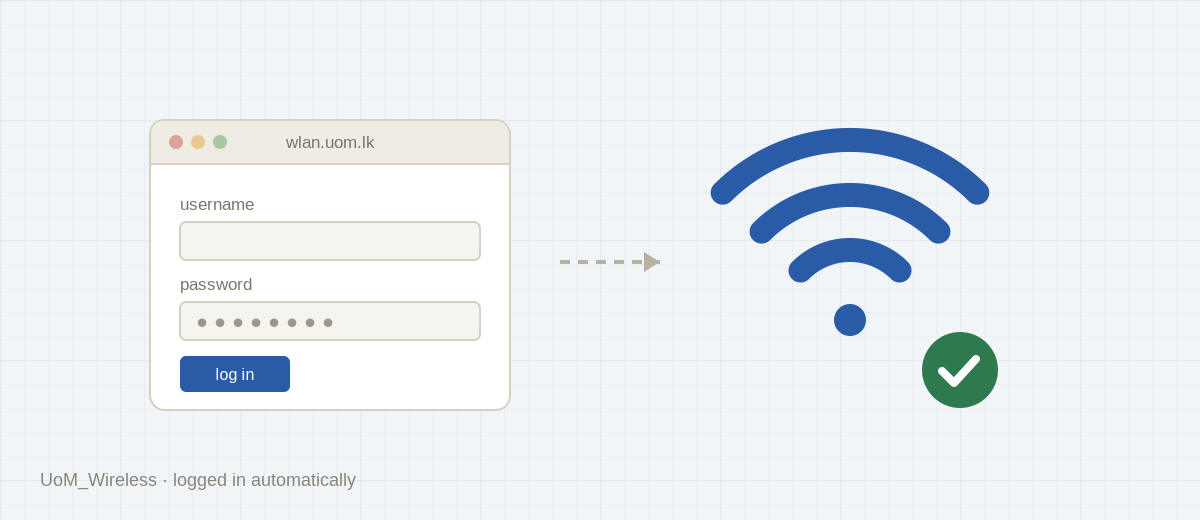
On the University of Moratuwa network, every time your laptop wakes up you get the Wi-Fi login page again: username, password, click. Several times a day, every day. So I automated it.
What it does
After you set it up once, the script notices when you join UoM_Wireless and logs you in before you’ve even opened a browser.
- Mac: a background LaunchAgent that runs when the network changes. Your password is kept in the macOS Keychain.
- Windows: a scheduled task, with the password stored encrypted for your Windows account. This version hasn’t been tested on a real Windows PC yet.
Setting it up is one double-click and a box for your username and password. Friends are using it too.
The tricky part
Until you log in, macOS lets only its own login pop-up (the Captive Network Assistant) look up names on that network. Other programs get no DNS at all, so a normal script can’t even find the login server.
The fix was to tie the script’s connection to the Wi-Fi interface itself and ask the campus DNS server directly. Now it logs in about three seconds after the laptop wakes up.
The scripts are on GitHub: rivija21/captive-portals.