$ cat posts/ascii-donut-and-ripples.md
A spinning donut and a ripple tank, in plain text
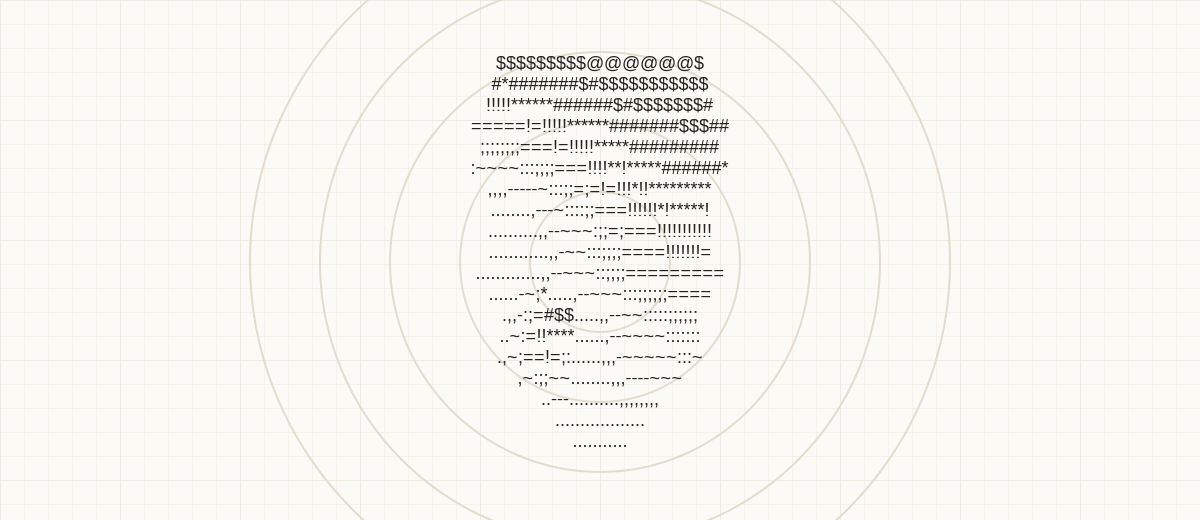
ASCII-doughnut is my collection of C++ animations that draw with nothing but text characters in a terminal. It started as a Windows-only donut. It now runs on macOS too, and has grown a few new tricks.
The donut, in flight
The donut is a torus. Every frame, each point on its surface is rotated, projected onto the screen and lit, and its brightness picks a character from a ramp like .,-~:;=!*#$@. A depth buffer makes sure nearer points hide farther ones. Now the donut also flies along a figure-eight path in 3D.
A ripple tank you can click
The newest simulation is a ripple tank. Click anywhere in the terminal (on macOS) and a wave spreads out from that point. Underneath is the 2D wave equation:
On a grid, with a time step and a spacing, it becomes a simple update. The next value at each point depends on its current value, its previous value and its four neighbours:
In code, that’s two loops:
for (int y = 1; y < H - 1; ++y)
    for (int x = 1; x < W - 1; ++x) {
        float lap = u[y][x + 1] + u[y][x - 1] + u[y + 1][x] + u[y - 1][x] - 4 * u[y][x];
        next[y][x] = 2 * u[y][x] - prev[y][x] + C2 * lap;
    }
The constant $C^2$ (the square of the Courant number) controls how far a wave travels in one step. I use $C^2 = 0.25$. In two dimensions the simulation becomes unstable and blows up if $C^2 > 0.5$.
The edges absorb waves like open water, so ripples fade out instead of bouncing back forever. You can also press E to add walls, B for the classic double slit (and see the interference pattern appear), W for a wave maker and C to calm the water.
Mouse clicks in a terminal?
Terminals can report mouse clicks if you ask nicely. Printing the escape codes ESC[?1000h and ESC[?1006h turns on mouse reporting. After that, every click arrives as a short text sequence with its row and column, which the program reads like a key press.